> ## Documentation Index
> Fetch the complete documentation index at: https://docs.cove.trade/llms.txt
> Use this file to discover all available pages before exploring further.
# Introduction
> Understand Cove's Telegram trading flow and unified balance
# Cove
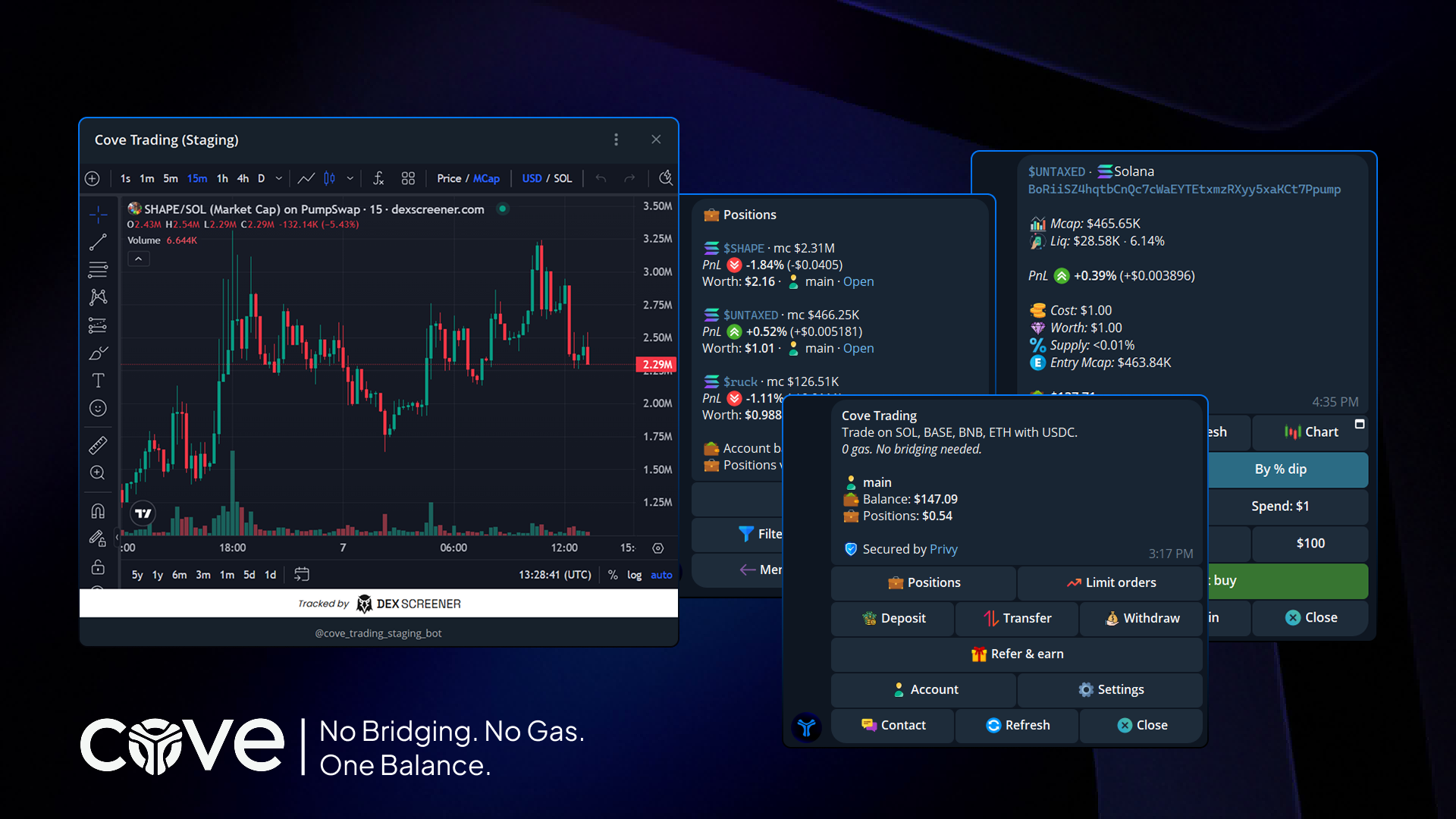 Cove is a Telegram-native trading terminal for supported on-chain markets. It combines visual buy and sell panels with positions, orders, accounts, transfers, referrals, and group links.
Deposit once and use a unified USDC balance for supported trading flows across the networks listed in the documentation.
Open a token panel from a contract address or supported link, review the token details, and submit a buy or sell.
Cove sponsors gas up to a cap. A trade that needs more can ask for an approved gas surplus from your balance.
Cove uses Privy signing access and secure Mini App flows. Review the account and wallet pages before exporting or revoking access.
## What you can do
* Trade supported tokens from Telegram.
* Set limit buys, take profits, stop losses, and DCA ladders.
* Track positions, sort by Worth or Age, hide positions, and generate PnL cards.
* Trade with multiple Cove accounts.
* Deposit, transfer between Cove accounts, transfer to a Telegram user, and withdraw.
* Configure guardrails and trade panel behavior.
Start with [Getting Started](/essentials/getting-started).
Cove is a Telegram-native trading terminal for supported on-chain markets. It combines visual buy and sell panels with positions, orders, accounts, transfers, referrals, and group links.
Deposit once and use a unified USDC balance for supported trading flows across the networks listed in the documentation.
Open a token panel from a contract address or supported link, review the token details, and submit a buy or sell.
Cove sponsors gas up to a cap. A trade that needs more can ask for an approved gas surplus from your balance.
Cove uses Privy signing access and secure Mini App flows. Review the account and wallet pages before exporting or revoking access.
## What you can do
* Trade supported tokens from Telegram.
* Set limit buys, take profits, stop losses, and DCA ladders.
* Track positions, sort by Worth or Age, hide positions, and generate PnL cards.
* Trade with multiple Cove accounts.
* Deposit, transfer between Cove accounts, transfer to a Telegram user, and withdraw.
* Configure guardrails and trade panel behavior.
Start with [Getting Started](/essentials/getting-started).