> ## Documentation Index
> Fetch the complete documentation index at: https://docs.cove.trade/llms.txt
> Use this file to discover all available pages before exploring further.
# Support
> Send feedback, ask for help, and reply to support tickets
Select `Contact` on the Cove home screen. The opened panel is titled `Support`.
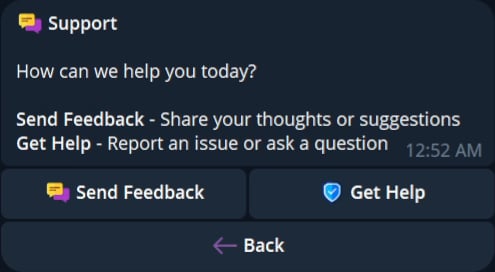 ## Send Feedback
1. Select `Send Feedback`.
2. Enter your feedback in the prompt.
3. Submit it and review the delivery receipt.
## Get Help
1. Select `Get Help`.
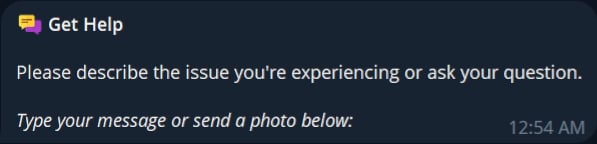
2. Send a text description or photo.
3. Review the support reply card when a response arrives.
4. Select `Reply` to continue the ticket.
5. Select `Close Ticket` when the issue is resolved.
## Send Feedback
1. Select `Send Feedback`.
2. Enter your feedback in the prompt.
3. Submit it and review the delivery receipt.
## Get Help
1. Select `Get Help`.
2. Send a text description or photo.
3. Review the support reply card when a response arrives.
4. Select `Reply` to continue the ticket.
5. Select `Close Ticket` when the issue is resolved.
 Never include private keys, seed phrases, wallet-export secrets, authentication codes, or private support-ticket conversations in documentation screenshots or examples.