Configure your core execution settings to control your edge. Click the Settings button on the home screen to open the dashboard.Documentation Index
Fetch the complete documentation index at: https://docs.cove.trade/llms.txt
Use this file to discover all available pages before exploring further.
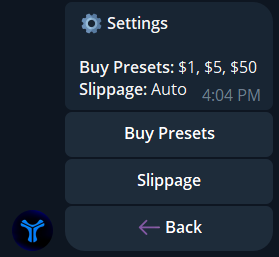
Configuration Menu
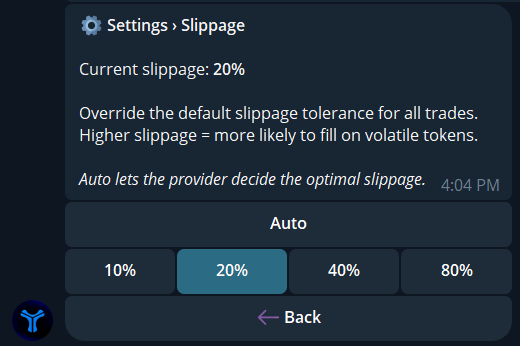
- Slippage
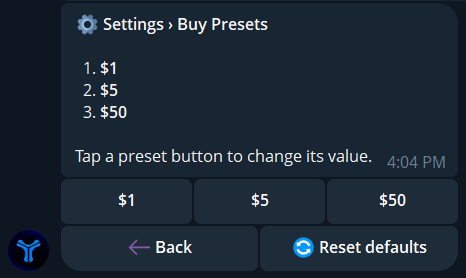
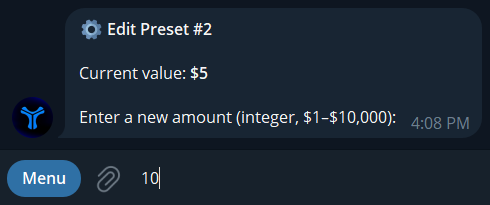
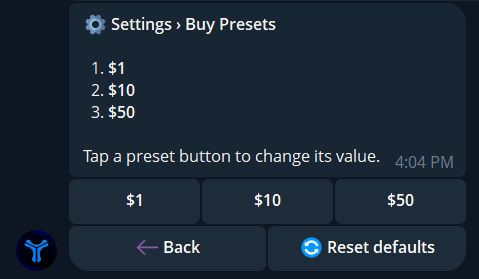
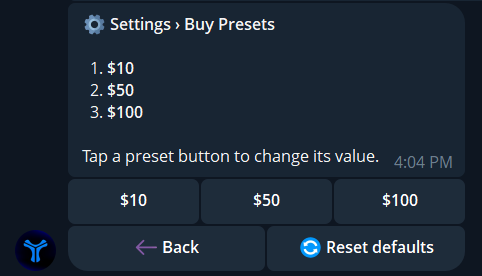
- Buy Presets
Slippage protects your limit and market orders from negative price changes between submission and on-chain execution.
- Click Slippage from the settings menu.
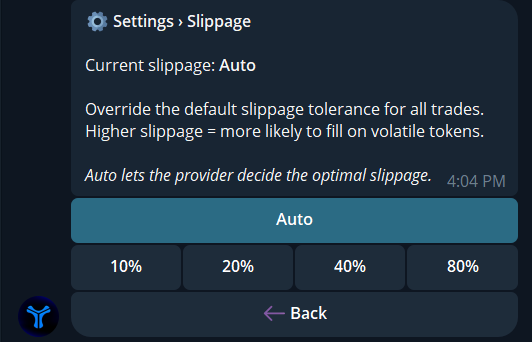
- Set the value to
Autoor enter a specific custom percentage. If you trade high volatility low-cap tokens, increase the slippage limit to guarantee execution during heavy volume.