

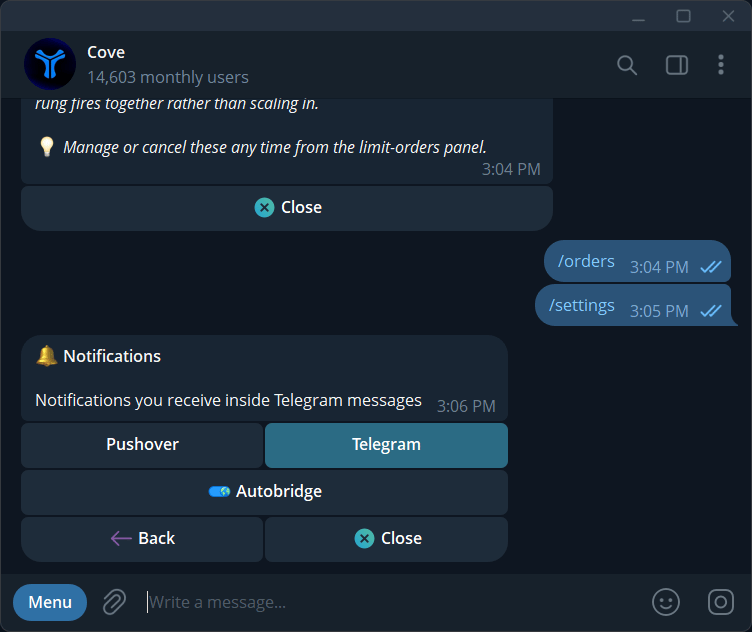
Notifications Telegram tab and auto-bridge toggle.
Optional phone alerts
Where Settings → Notifications → Pushover is available, Pushover can mirror order and price-alert events to your phone.1
Prepare Pushover
Install the Pushover app, create or open your account, and copy its User Key. Check Pushover’s current purchase/trial terms in its app.
2
Connect Cove
Open Settings → Notifications → Pushover → Connect Pushover.
3
Enter the key
Paste your 30-character User Key when prompted. Do not share it in screenshots. Cove removes the submitted message from the chat.
4
Test delivery
Check for Cove connected on your phone. Use Send test notification if needed.
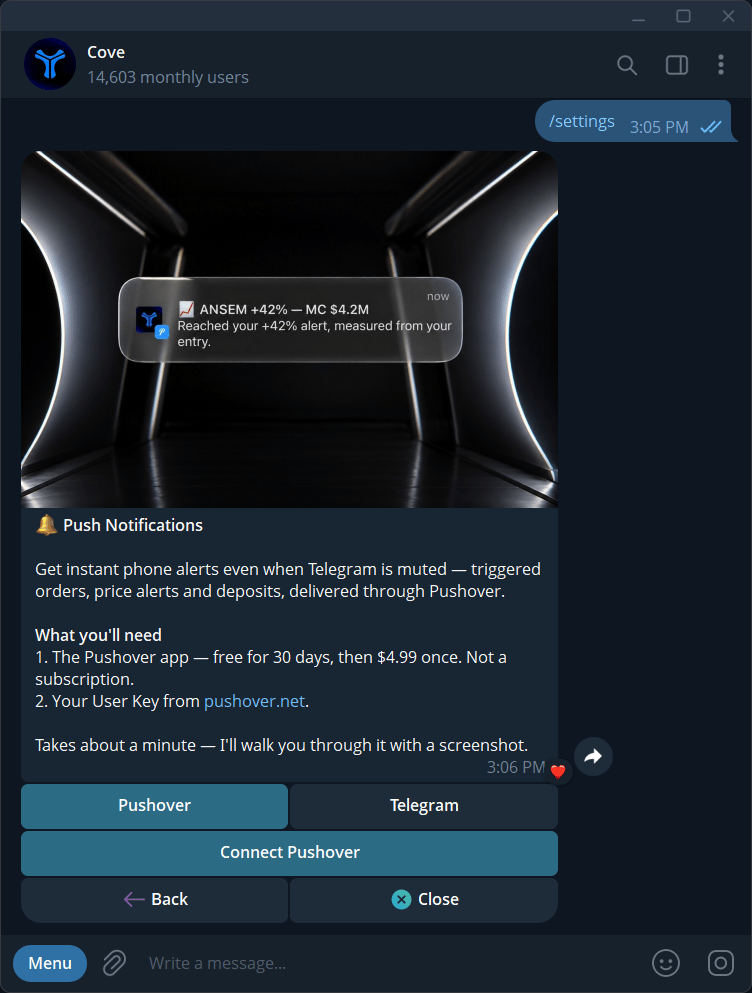
Current Pushover tab, with no User Key visible.
Push settings
Preferences are account-wide. Push delivery is capped at 10 pushes per minute per user and is additional to Telegram. Do not assume every deposit or support message is mirrored.