

/positions.
Sell links and confirmation
Sell confirmation is profile-specific and separate from the trading panel’s Sell confirm. Keep it on if you want to review a position-list sell before sending.
To change either, tap it and check the resulting on/off state. Reopen Positions to see the updated links.
Filter your positions
- Send
/positions→ Filters. - Select Chains, Accounts (wallets), or Other.
- Toggle the categories you want to hide.
- Use Configure filters for editable dust and liquidity thresholds.
- Return to the list and review the result.
Do not assume the example values on a label are the saved thresholds. Filters hide rows; they do not sell tokens.
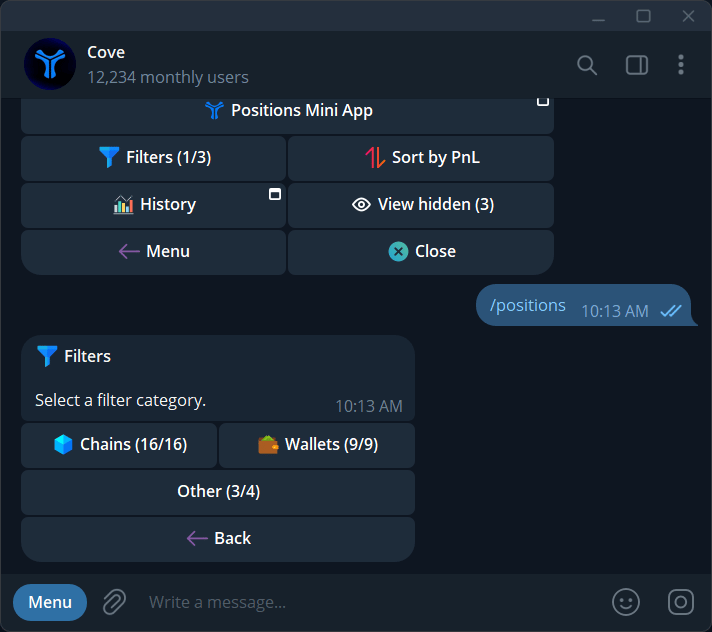
Choose a filter category: Chains, Wallets, or Other.